
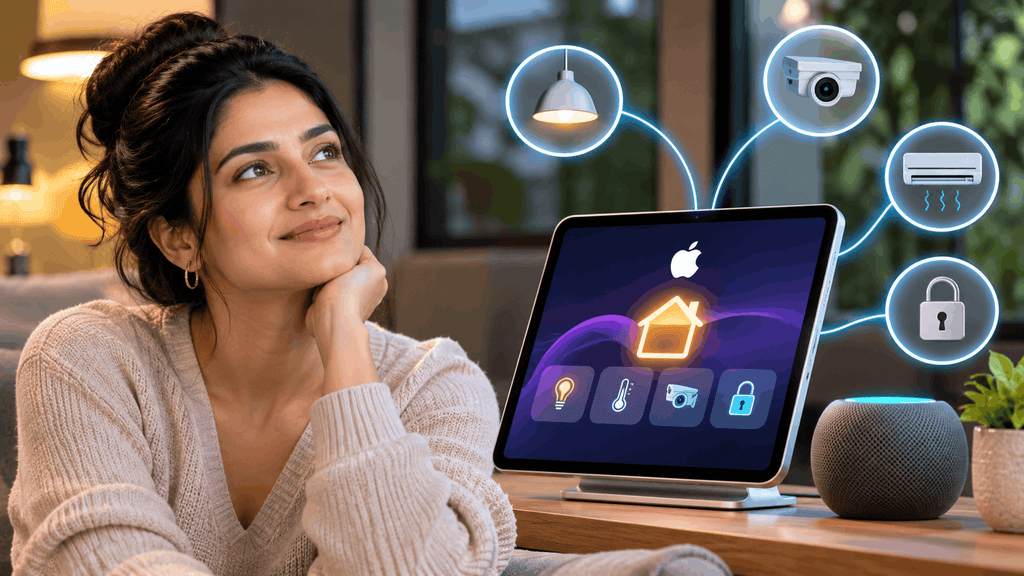
Nearly one in three U.S. smart-home owners say their devices are confusing to set up or use. Apple’s HomeView aims to make daily controls easier to find by bringing camera feeds, lighting, thermostats and Siri AI onto one shared display. It can recognize up to six people and tailor a screen for each, with FaceTime and personal information available when a recognized person’s paired iPhone or iPad is present and has been recently unlocked. Can one screen make a smart home easier to manage while still giving each person an experience that feels like their own?
Yes, for households with compatible devices. HomeView can bring common controls together and tailor the screen for up to six people. Whether that feels simpler in everyday use will depend on setup, device compatibility and how reliably Siri responds.
Managing Devices from One Display
HomeView lets people use touch or Siri AI to control lights, thermostats, locks and blinds through Apple Home. Its Home Camera view can show up to nine live video feeds at once. The display also works with compatible Apple Home and Matter accessories. Matter is a shared standard designed to help smart-home products from different brands work together.
Putting common controls in a visible place may help more household members use them without searching through phone apps. That benefit depends on whether the devices people already own are supported and connect reliably. A shared screen can make controls easier to find; the experience will feel simple only when those controls work as expected.
Siri AI’s Role in the Connected Home
Siri AI will launch in beta on HomeView. People can ask general questions, have natural conversations and explore music without an Apple Intelligence-enabled iPhone or iPad. Requests that draw on personal information across apps need a paired, compatible device with Apple Intelligence.
HomeView’s recipe feature gives Siri a practical role in the kitchen. A recipe from the web can appear as step-by-step instructions, with ingredient tracking and timers set by voice. These are ordinary tasks, yet they show where an assistant can become useful: helping while someone is cooking, rather than asking them to stop and manage another screen.
Apple has described Siri answering questions and controlling supported home devices. The launch announcement does not show HomeView finding the cause of a failed connection or helping someone fix an offline device. That gap matters because people often judge a connected system by what happens when something stops working, as much as by how easily it handles a routine task.
Some Apple Intelligence features rely on server-based models and will have daily usage limits. Apple says expanded access will be available for a fee in the future. Buyers should know which features work on HomeView itself, which need a paired Apple device and which may involve an extra cost.
Personal Screens for the Household
HomeView can recognize up to six household members and give each person a personal Home Screen. It also supports FaceTime, music, Messages and Intercom, so the display can serve as a place to communicate and listen as well as control devices.
Apple says personal content such as Messages and Calendar appears only when HomeView recognizes the enrolled person and their paired iPhone or iPad is present and recently unlocked. Siri requests are processed on the device or through Apple’s Private Cloud Compute system. Some camera features, including familiar-face and package recognition, require compatible cameras and a supported iCloud+ plan. Video summaries have additional setup requirements.
On a screen everyone shares, privacy rules are part of the user experience. People need to understand whose information appears, what others can see and which devices or services each feature requires. Clear rules can help a household feel comfortable using the personal features, instead of treating them as something reserved for the person who set up the device.
Device Compatibility, Setup and Cost
HomeView works with compatible Apple Home and Matter devices, alongside Apple Home Collection products developed with LG Electronics and Schneider Electric. The Home Collection is scheduled to arrive in December, with select accessories planned for early 2027. Households will still need to check whether the products they already own support the features they want.
Setup requires a compatible iPhone or iPad running the latest software. Enrolling multiple household members has the same requirement. HomeView will not be available for sale in the European Union at launch because Siri AI is not currently available there on iOS.
In the U.S., both the tabletop and wall-mounted models cost $299. Pre-orders opened October 13, with availability starting November 13. The wall-mounted model needs a separate mount and power solution. The USB-C mount starts at $59.95 and requires a separate power adapter of at least 20 watts. A hardwired mount starts at $79.95, while a Power over Ethernet option is planned for early 2027 at $129.95.
At this price, buyers will want the screen to be useful across the household, not just during setup or when checking a camera. Product teams can assess that value through setup time, how often people complete common tasks without help, connection failures and support requests after installation.
Conclusion
HomeView can make a smart home easier to manage for households with compatible devices, while its personal screens can give each person a more relevant experience. Its promise rests on everyday details, whether devices connect reliably, Siri handles routine requests and people understand how personal information appears on a shared screen. If those parts work smoothly together, HomeView could make connected-home technology feel simpler for everyone using it.
Frequently Asked Questions
1. What problem is Apple HomeView trying to solve?
HomeView brings controls for compatible smart-home devices onto one shared screen. It may make those controls easier to find, while setup and device reliability will determine how much simpler the whole system feels.
2. Does Apple HomeView work with Matter devices from other brands?
It supports compatible Matter accessories from different manufacturers. However, compatibility and available features can vary by device, and setup requires a compatible iPhone or iPad.
3. Does Apple HomeView require an iPhone?
A compatible iPhone or iPad is required for setup and multiuser support. Siri AI can answer general questions without an Apple Intelligence-enabled device, but personal-context requests need a paired compatible device with Apple Intelligence.
4. What does Apple HomeView cost, including the wall-mount hardware?
Both U.S. models cost $299. The wall-mounted model needs a separate power mount, starting at $59.95 for USB-C or $79.95 for wired AC. The USB-C option also requires a separate power adapter.
5. What will determine whether households keep using Apple HomeView?
The useful measures are whether people can set it up without help, complete everyday tasks reliably and use it across the household. For product teams, setup time, connection failures and support requests will show whether a shared screen improves the experience beyond making controls easier to see.